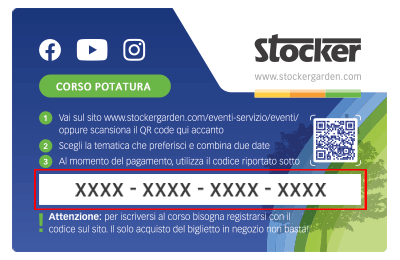
 Le Content Card sono i biglietti dei corsi che puoi trovare e acquistare direttamente nei negozi e nelle rivendite agrarie. Ciascuna Card ha un codice da riportare nel riquadro sottostante per confermare la tua iscrizone al corso, dopo averlo già acquistato in negozio.
What does the filling time-out error mean?
The filling time-out error occurs when the level sensor in the mixing tank does not detect the water reaching the required level within the time set by the software (120 seconds). This error is shown in the app with the message “Error: Filling tank” and indicated by LED 1 and LED 2 solid red ⚪⚪🔴🔴, along with an error beep.

Possible causes:
-
The water tap is closed or not supplying water.
-
The garden hose connecting the tap to the Geyser is disconnected, clogged, or leaking.
-
The inlet valve is defective or blocked.
-
One or more peristaltic (dosing) pumps may be defective or clogged.
In the event of this error, the Geyser Pro does not enter lock mode, but it is recommended to follow these steps:
-
Ensure the tap is open and water flows properly.
-
Check the garden hose connecting the Geyser to the tap for disconnection, blockage, or damage.
-
Repair or replace the hose if needed.
-
If the issue persists, contact your dealer for further diagnostics.
VIDEO GUIDE: Learn how to fix the “Filling Time-Out” error – Watch the video now!

Mit dem Laden des Videos akzeptieren Sie die Datenschutzerklärung von Vimeo.
Mehr erfahren