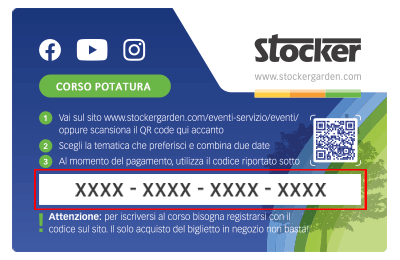
 Le Content Card sono i biglietti dei corsi che puoi trovare e acquistare direttamente nei negozi e nelle rivendite agrarie. Ciascuna Card ha un codice da riportare nel riquadro sottostante per confermare la tua iscrizone al corso, dopo averlo già acquistato in negozio.
What can I find on the Home screen of the WebApp?
On the Home screen of the WebApp, in the top bar, you’ll find important information regarding the status of your Geyser Pro.
1. The droplet icon 1 indicates tank one and its current liquid level.
2. The droplet icon 2 indicates tank two and its current liquid level. This icon is absent on Geyser Pro Lite models.
3. Depending on the power source used, the icon may show either the device’s battery symbol or the power supply symbol.
4. The cloud icon indicates when the Geyser was last connected to the network.
5. In the center of the Home screen, the current status of the Geyser Pro is shown. Learn how to distinguish the states of your Geyser Pro.
6. The Quick Start button allows you to start an instant treatment. See how to set up a Quick Start treatment.
Complete guide video: all the features of the MyGeyser Home screen – Watch the video now!

Mit dem Laden des Videos akzeptieren Sie die Datenschutzerklärung von Vimeo.
Mehr erfahren